
Create structured, multi-chapter training courses
Build comprehensive courses organized into chapters, each containing lessons and quizzes. Support diverse content types — from xAPI packages created in Adobe Captivate or Articulate Storyline, to YouTube/Vimeo embeds, PDFs, PowerPoint, and Word documents — all within a single course.
👉 Configure sequential or non-sequential progression to match how your partners learn best.

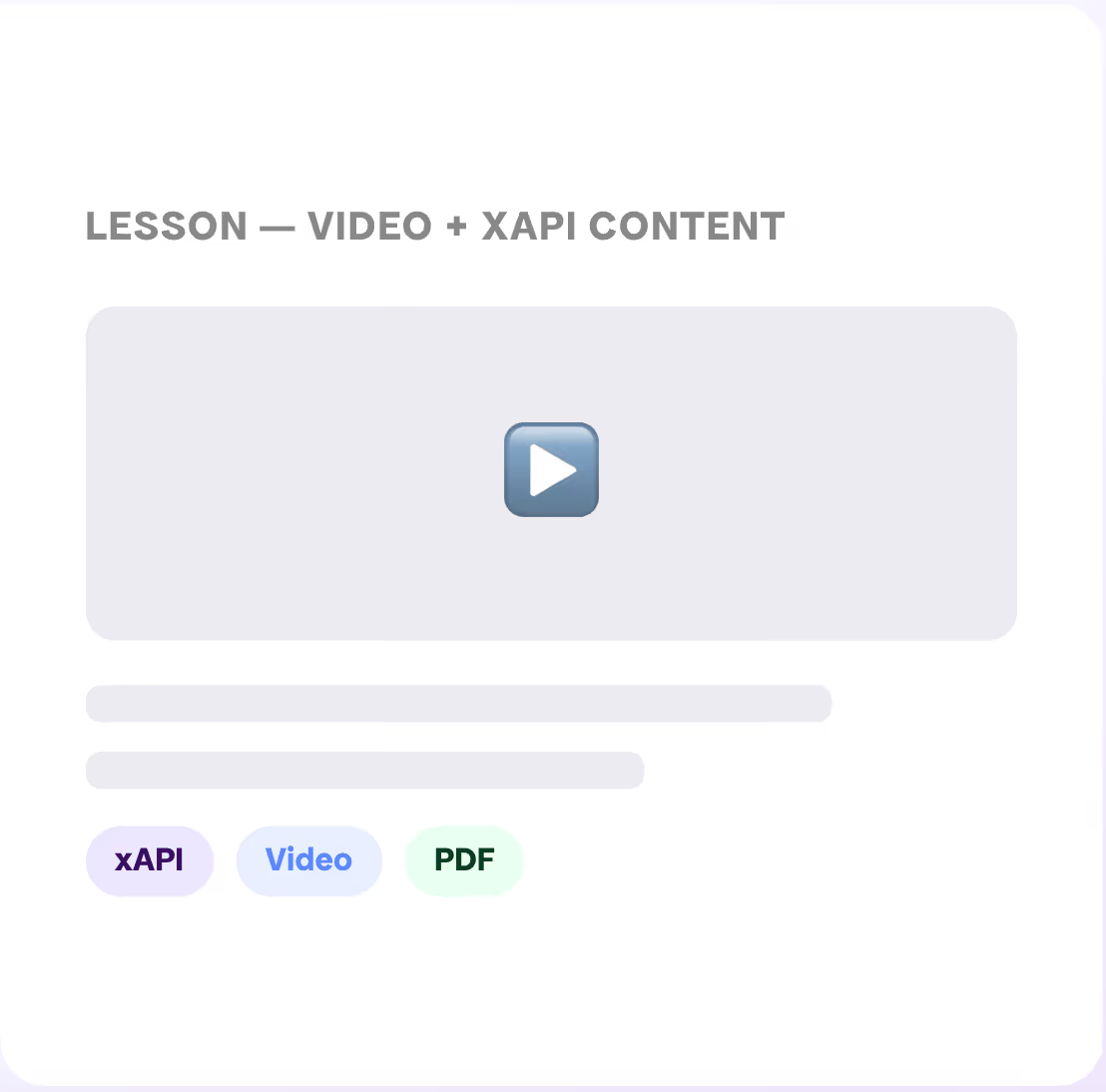

Multi-Chapter Organization

Flexible Content Types

Sequential or Self-Paced

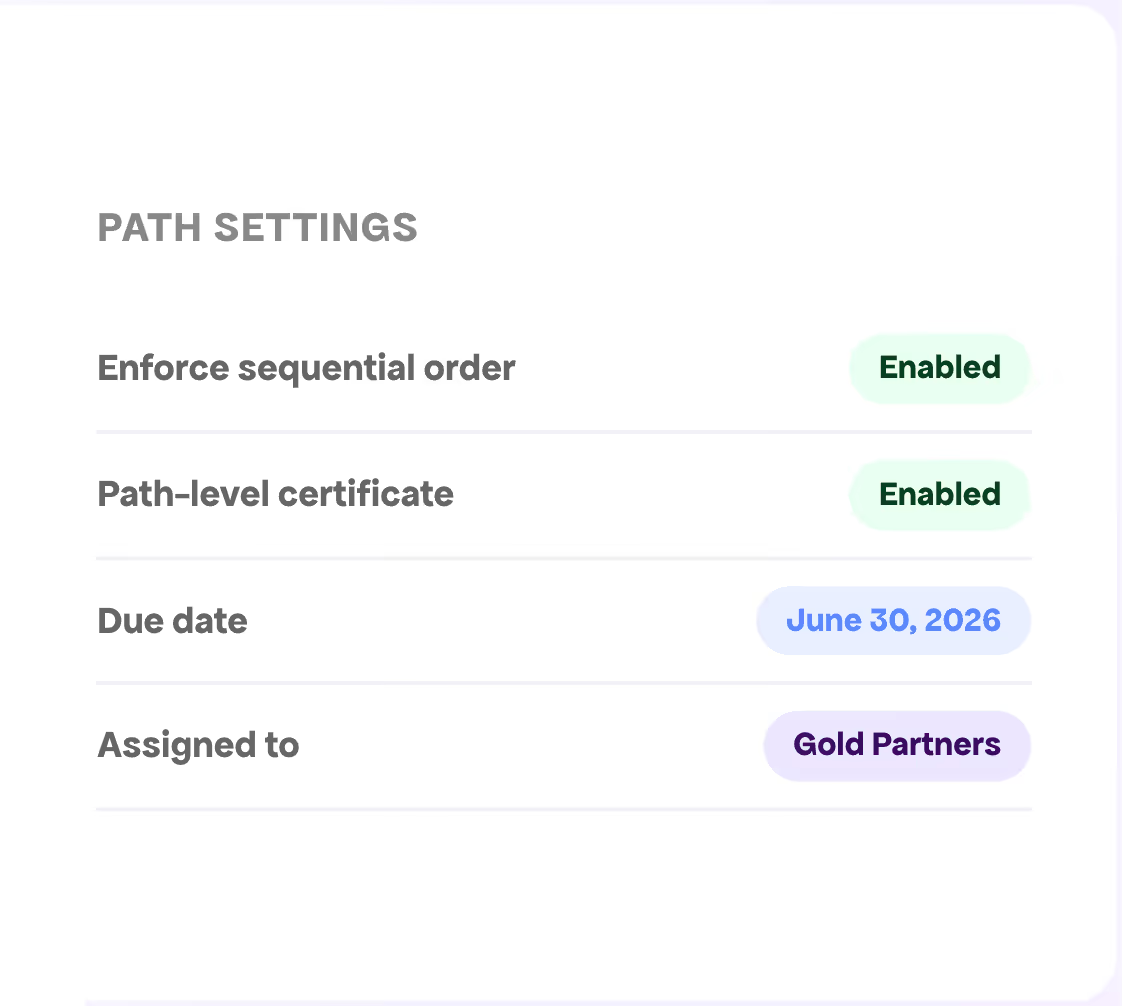
Group courses into structured training programs
Learning Paths let you bundle related courses into progressive sequences — guiding partners from foundational knowledge through advanced certification. Track completion across all courses in the path, and award path-level certificates upon completion.
👉 Partners love that they can stop and pick up where they left off at any time.
Course Collections
Progressive Learning
Path-Level Tracking
Comprehensive knowledge testing built in
Embed quizzes directly within course chapters to assess learner comprehension. Support for multiple question types, question pools with randomization to prevent memorization, and both automated and manual grading workflows.


Diverse Question Types
Question Pools & Randomization
Automated & Manual Marking


Professional credentials your partners can share
Award downloadable certificates upon course or learning path completion. Upload custom Word document templates with merge fields that auto-populate with learner details. Partners can add certification badges to their LinkedIn profiles with verification links back to your organization.
Customizable Templates
LinkedIn Badge Integration
Automated Distribution
Keep certifications current — automatically
Set compliance durations that define how long course completions remain valid. The system automatically reassigns courses before compliance expires, so partners maintain required certifications without you having to manually track anything.
👉 Optional automatic reassignment upon course failure ensures partners get another chance to meet competency requirements.

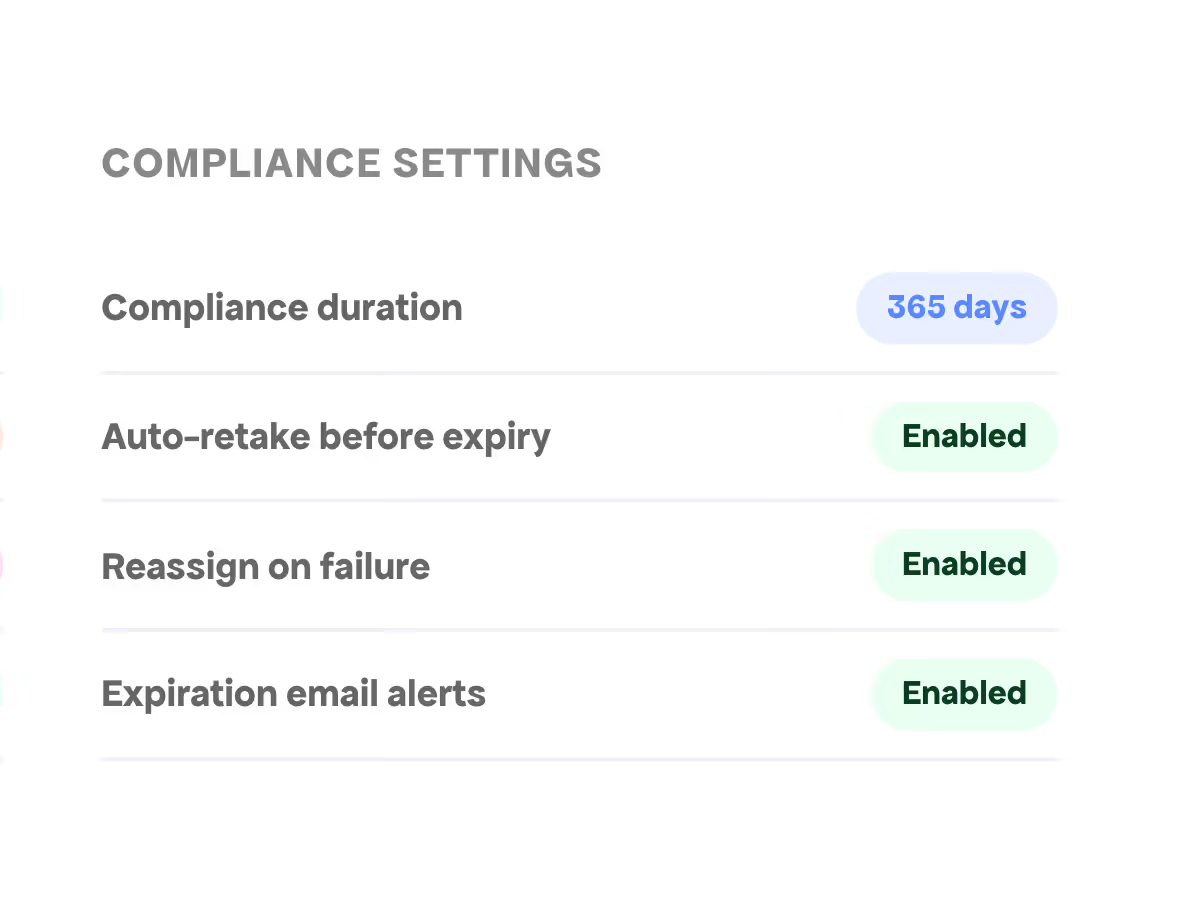
Compliance Duration Settings
Automatic Retake
Failure Reassignment


Assign the right training to the right partners
Assign courses and learning paths to individual users, user groups, or security roles — enabling targeted training deployment across different partner segments. Allow self-registration for autonomous learning, or use a request-and-approval workflow for controlled access.
Flexible Assignment Options
Self-Registration & Request Workflow
Permission-Based Access
Full visibility into training performance
The Training Dashboard provides at-a-glance insights: activity charts, top courses, a marking queue, pending requests, and a real-time activity feed. Dive deeper with detailed reports covering courses, assignments, lessons, quizzes, and individual learner performance.


Interactive Dashboard
Detailed Reports
Learner View


Training data connected across your entire ecosystem
All training data — completions, scores, progress — maps directly to Contact and Account records in your CRM (Salesforce, MS Dynamics, or HubSpot). Plus, the Training Module integrates with Rewards & Redemption, Journey Builder, Partner Program Tiers, Surveys, and Social Collaboration.
CRM Data Mapping
Rewards & Journey Builder
Partner Tiers Integration
Partner Training (LMS) FAQs
Does PRM software or partner portal have a built-in LMS?
Most don't – Magentrix PRM is one of the few that does. Magentrix offers a comprehensive, full-featured built-in LMS for partner enablement, training and certifying your partners.
What content formats does the Magentrix Training LMS support?
The LMS supports xAPI (TinCan) packages from authoring tools like Adobe Captivate and Articulate Storyline, YouTube and Vimeo video embeds, PDFs, PowerPoint presentations, Word documents, and text-based lessons — all within a single course.
Does training data from the partner portal sync with my CRM?
Yes. All training data — course completions, quiz scores, certification status, and learning path progress — maps directly to Contact and Account records in Salesforce, Microsoft Dynamics, and HubSpot.
Can I create certification programs for my partners with a PRM?
Yes. Bundle multiple courses into learning paths that represent certification programs. Upon completion, learners receive downloadable PDF certificates from customizable templates. Certificates can also be shared as LinkedIn badges with verification links.
How does compliance tracking work in the partner portal?
Set compliance durations that define how long completions remain valid. The system automatically reassigns courses before expiration and can reassign on failure. Email alerts keep everyone informed of upcoming deadlines.
What quiz question types are available in Magentrix’s LMS?
Multiple-choice (single and multi-answer), keyword matching, free text/essay, file upload, and informational pages. Questions can be randomized and pulled from pools to prevent memorization.
Can I assign training to specific partner groups?
Courses and learning paths can be assigned to individuals, user groups, or security roles — enabling targeted training by partner type, tier, or region. Self-registration and request-approval workflows are also available.
What modules in the PRM integrate with the Training LMS?
Rewards and Redemption, Journey Builder, Partner Program Tiers, Surveys, and Social Collaboration all connect natively with the Training LMS.


