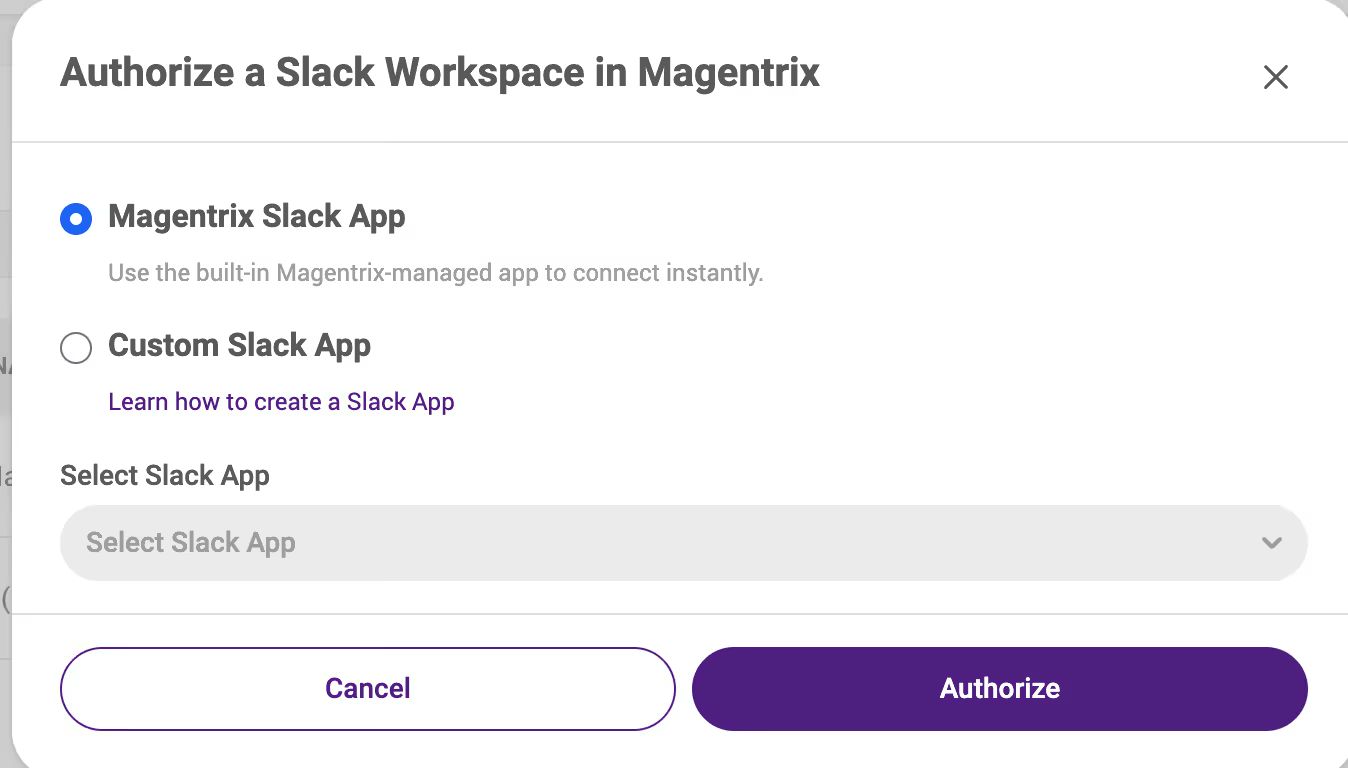
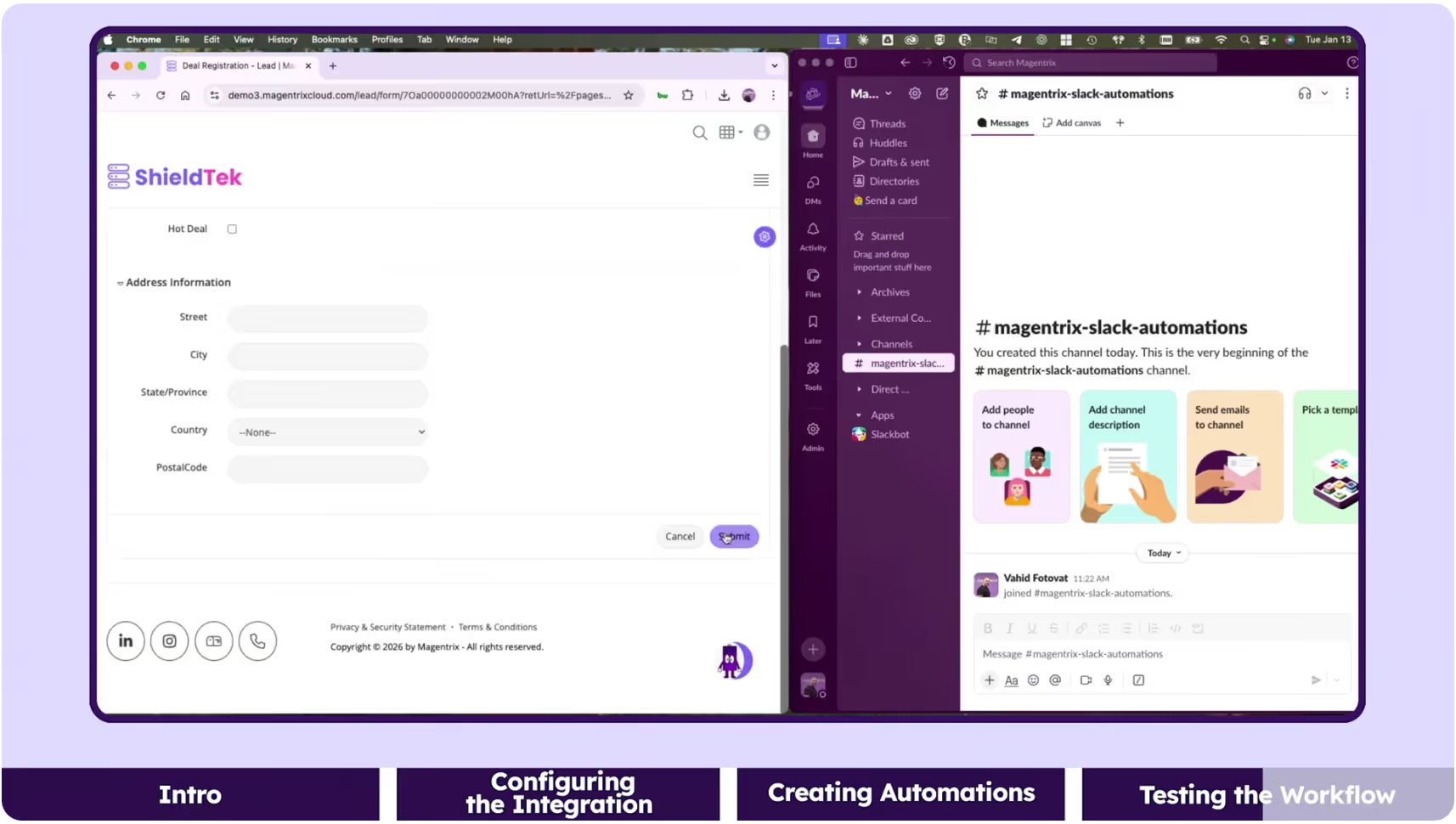
Our native, Slack Integration allows Magentrix PRM administrators to connect their portal to one or more Slack workspaces, enabling notifications directly in Slack.
Once connected, automation rules in Magentrix can automatically send contextual Slack messages whenever key events occur — for example, when a lead is created, a deal status changes, or a record is updated.
Messages can be configured to post in specific channels or as direct messages to selected Slack users.
Each message includes relevant Magentrix record data such as record name, owner, or status, with a clickable link back to the original record in Magentrix.
The feature also includes admin-level controls for activation, workspace management, and message tracking.
Example use case: Deal management
Sales pipeline notifications: Automatically notify sales teams when high-value opportunities are created or advance to key stages. Post record cards in sales channels showing amount, account, close date, and stage changes to keep pipeline activity visible to the whole team.
- Admin defines automation rules (e.g., “When Lead Status = Closed, send Slack message”).
- Messages are automatically posted in Slack channels or to specific users.
- Users can click the record button in Slack to open the corresponding record in Magentrix.
The Slack integration is natively built within Magentrix — no external connectors required.
The integration enhances existing Magentrix PRM functionality by extending the Automation and Notification framework:
- Adds a new task type → “Send Slack Message” within Automations.
- Adds a new Slack configuration page under Setup → Extend → Slack.
And it integrates with existing usage tracking to monitor Slack message activity and connections.
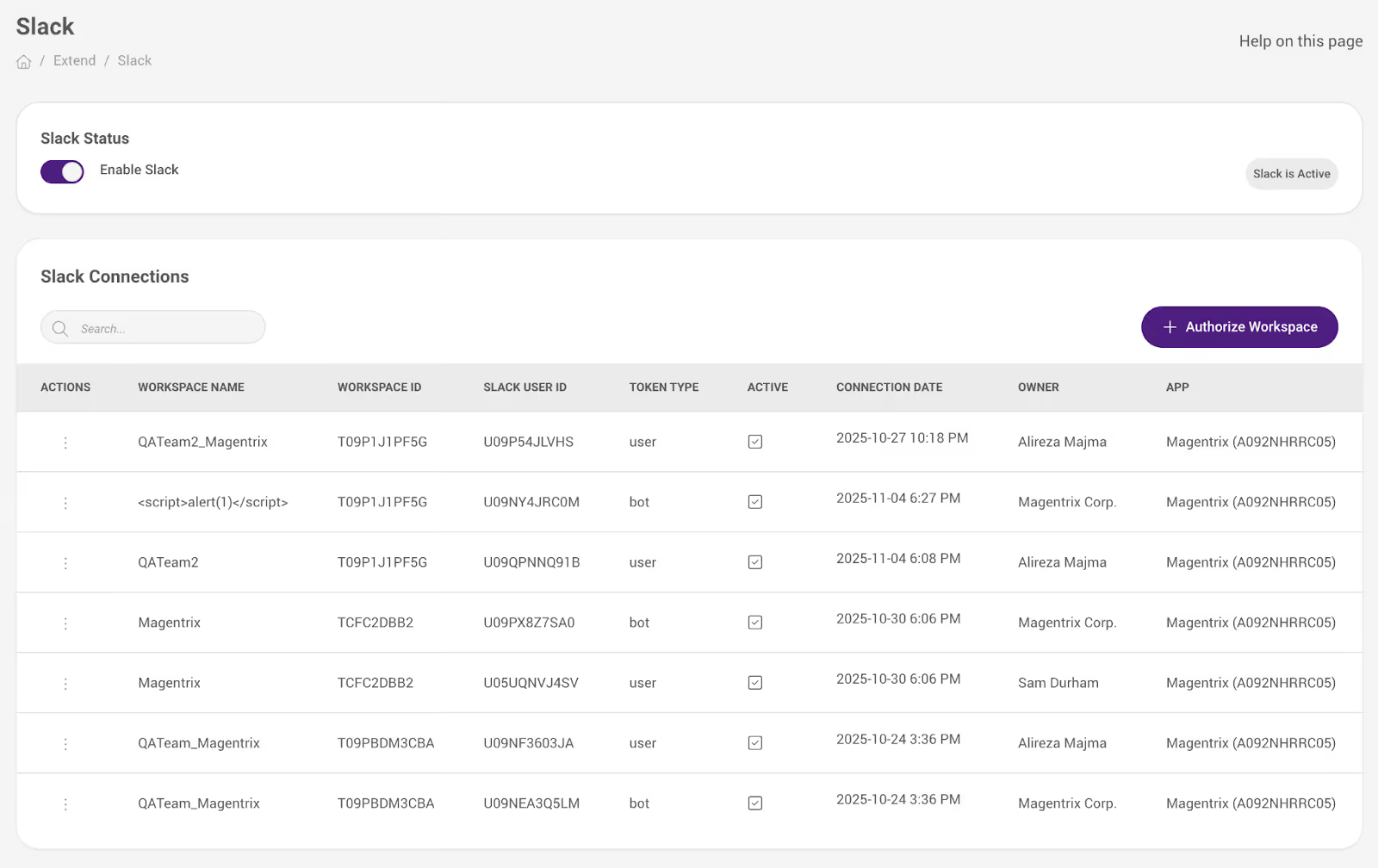
How to connect Magentrix to Slack
Admins access Setup → Extend → Slack to connect a workspace via OAuth.
From there, admins can:
- Enable or disable the integration.
- Authorize one or more workspaces.
- View active connections and revoke tokens.
- Configure automations with the new “Send Slack Message” task type.
End users receive Slack messages in their configured channels or DMs, formatted with record headers, descriptions, and action buttons linking to Magentrix records.
See our documentation guide for more details: https://help.magentrix.com/wikis/help/connecting-slack-workspaces